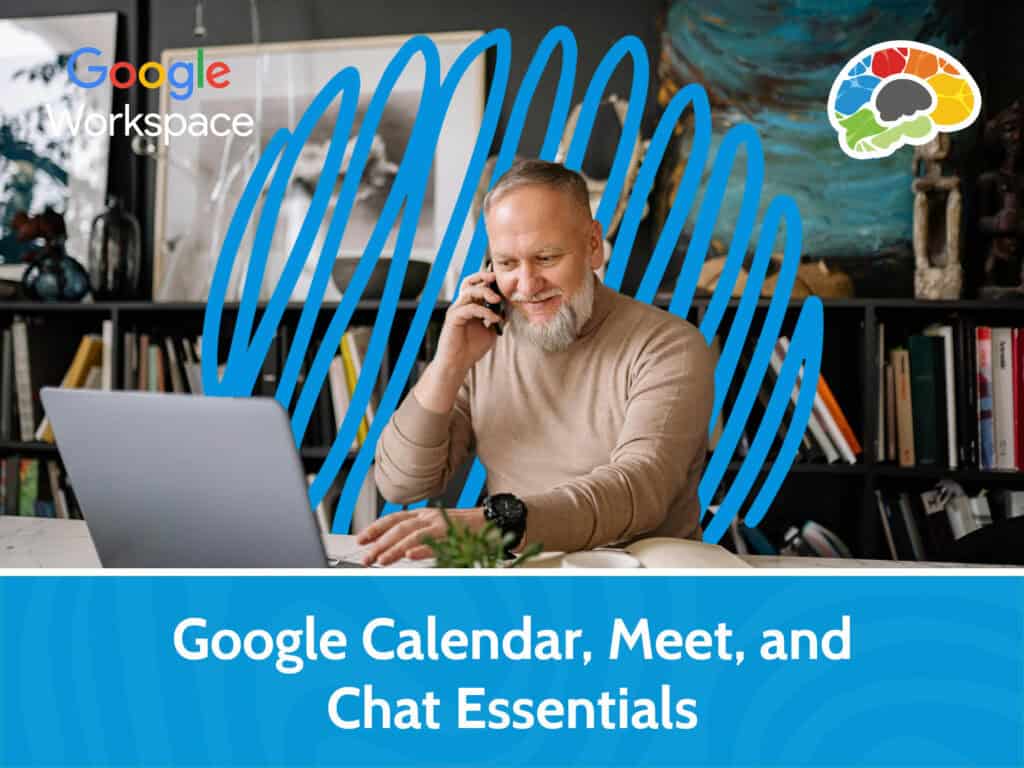
The art of managing your time and communication efficiently is a necessary skill for everyone. The Bigger Brains course, Google Calendar, Meet, and Chat Essentials, is designed to help you take full control of these powerful tools, transforming how you collaborate and communicate. In this course, you’ll learn how to access and navigate Google Calendar like a pro, customize it to fit your workflow, and modify settings to match your preferences. Whether you’re setting up one-time meetings or recurring events, this course will show you how to create and tailor them effortlessly. Sharing calendars and setting permissions will become second nature, and you’ll even discover how to subscribe to other calendars and integrate them into your own for seamless coordination.
But the magic doesn’t stop there. In this course, you’ll dive into Google Meet, where learning to add Gemini to calls and share documents in real time will elevate your virtual meetings to a whole new level.
Watch the course sample below!
Setting meeting options and notifications will ensure you never miss an important discussion, while managing chats will keep your team’s communication organized and efficient. You’ll learn how to add files, sites, or recordings to chats, making collaboration smoother than ever.
Why Google Calendar, Meet, and Chat Matter in Today’s Workplace
Google Workspace has become one of the most widely used productivity platforms for businesses, educational institutions, and remote teams. Tools like Google Calendar, Google Meet, and Google Chat help employees stay organized, communicate more effectively, and collaborate from virtually anywhere. Whether you’re scheduling meetings across different time zones, hosting virtual presentations, or managing day-to-day team conversations, knowing how to use these applications efficiently can save valuable time and improve productivity.
Many professionals only use a small portion of the features available within Google Workspace. Learning how to organize calendars, manage meeting settings, share schedules, create collaborative chat spaces, and use built-in productivity features can significantly improve daily workflows. Developing these skills also helps teams reduce scheduling conflicts, improve communication, and stay aligned on projects.
What You’ll Learn in the Google Calendar, Meet, and Chat Essentials Course
This course is designed to help both new and existing Google Workspace users become more confident using Google’s communication and collaboration tools. Throughout the lessons, you’ll gain practical knowledge that can immediately be applied in your daily work.
During the course, you’ll learn how to:
- Navigate and customize Google Calendar for your workflow.
- Create one-time and recurring meetings with confidence.
- Share calendars and manage permissions for teams and departments.
- Schedule and organize virtual meetings using Google Meet.
- Use Google Chat and Google Spaces to improve team collaboration.
- Manage notifications to reduce distractions while staying informed.
- Explore productivity features, including Google’s Gemini AI integration, to work more efficiently.
These practical skills help individuals and teams communicate more effectively while making better use of the Google Workspace ecosystem.
Who Can Benefit from This Course?
Google Calendar, Meet, and Chat Essentials is suitable for anyone who wants to become more productive using Google Workspace. It is especially valuable for:
- Business professionals using Google Workspace daily
- Remote and hybrid employees
- Team leaders and managers coordinating projects
- Administrative professionals scheduling meetings and events
- New employees learning Google Workspace
- Small business owners looking to improve collaboration
- Anyone wanting to build stronger digital workplace skills
Whether you’re just getting started or looking to improve your existing knowledge, this course provides practical techniques that help you work more efficiently.
Effective communication and time management are essential skills in every modern workplace. By learning how to use Google Calendar, Google Meet, and Google Chat more effectively, you can organize your schedule, collaborate with colleagues more efficiently, and reduce everyday administrative tasks.
The Google Calendar, Meet, and Chat Essentials course from Bigger Brains provides practical, easy-to-follow instruction designed to help you confidently use Google’s collaboration tools in real-world situations. Whether you’re learning Google Workspace for the first time or refreshing your skills, this course is an excellent way to improve productivity and get more value from the tools you already use every day.