
This website uses cookies to improve your experience. Please select whether you would like to accept our decline tracking technologies and cookies. https://getbiggerbrains.com/privacy-policy/ Read More
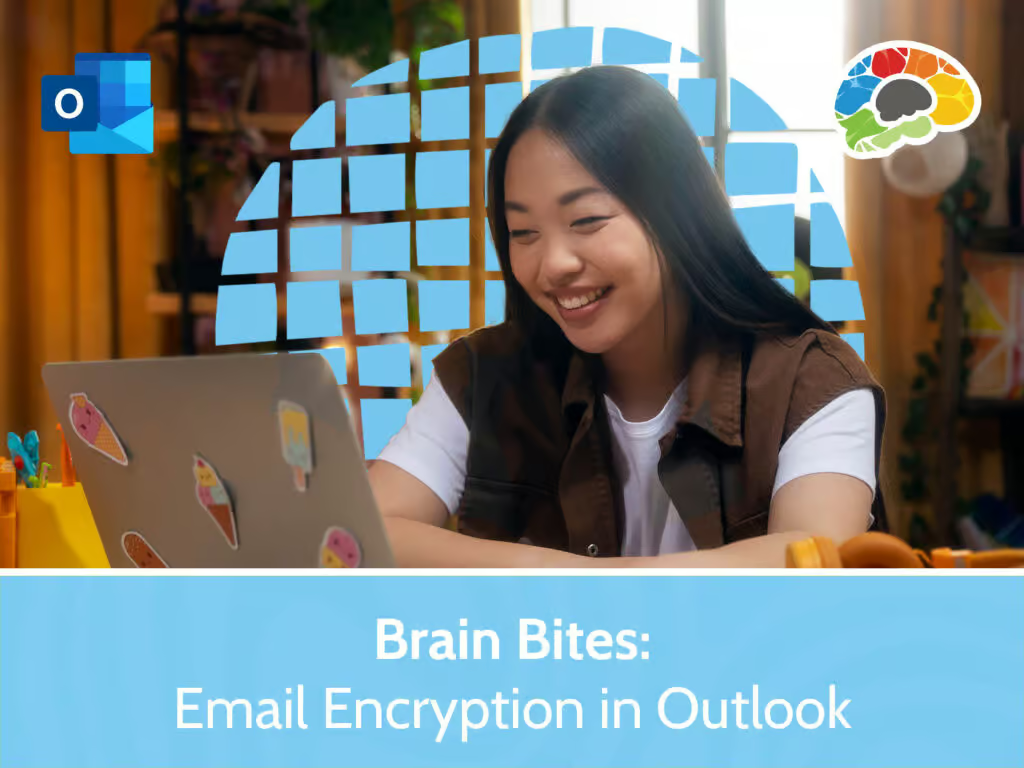
In this focused Bigger Brains course, you’ll discover how to ensure your sensitive data stays private using the powerful email encryption features in Outlook 365. You’ll explore why and when to use encryption in a professional setting, see how to send and receive encrypted messages, and learn how to recognize and manage them effectively. The course walks you through setting up and configuring Outlook for secure communication including how to protect attachments and message content, access encryption settings, and apply best practices for writing clear, confidential emails.
You’ll gain practical strategies for handling encrypted emails in your daily workflow, from safeguarding login credentials to ensuring successful delivery. You’ll also learn how to troubleshoot common issues that may arise when sending or receiving encrypted messages so you can maintain smooth and secure communication across your organization.
Topics covered include:
Enjoy award winning HD content in the “Uniquely Engaging”TM Bigger Brains style with Brain Bites! Brain Bites micro-learning courses are information-rich and convey important topics with an engaging mix of video and graphics. With short microlearning video lessons, Brain Bites provide the perfect tool to educate today’s busy workforce. All courses include captions and transcripts in 29 languages, downloadable handouts, and optional LinkedIn digital badges on course completion.
| # | Lesson | Length |
| 1 | Introduction to Outlook Encryption | 7:09 |
| 2 | Sending and Receiving Encrypted Emails | 5:53 |
| 3 | Best Practices for Message Encryption | 4:17 |
| 4 | Security Considerations and Troubleshooting | 5:30 |
This website uses cookies to improve your experience. Please select whether you would like to accept our decline tracking technologies and cookies. https://getbiggerbrains.com/privacy-policy/ Read More
Preferences
Fill out the information below to receive a download link for our latest course catalog.