

This website uses cookies to improve your experience. Please select whether you would like to accept our decline tracking technologies and cookies. https://getbiggerbrains.com/privacy-policy/ Read More
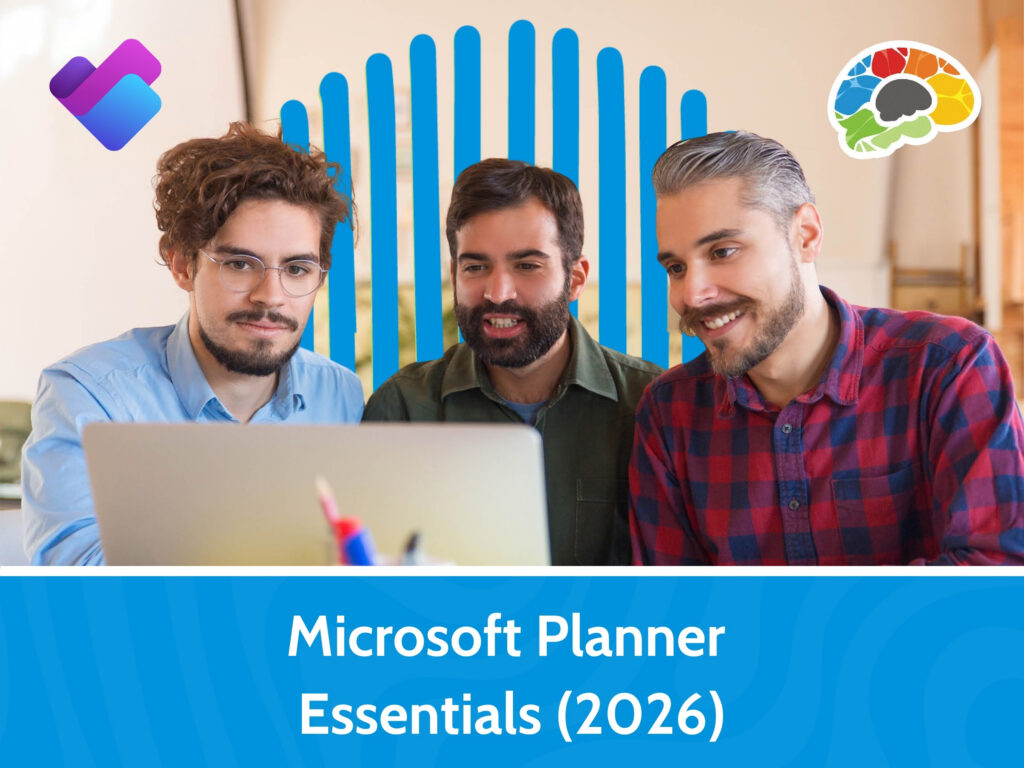
The Planner tool in Microsoft 365 is a powerful task management app. This app offers features similar to standalone project management apps but without the high price tag since Planner is free with most Microsoft 365 Business plans.
What does Planner do and how can teams use it effectively to delegate and manage tasks? Microsoft trainer Vicki Drewa will show you not only how to create a new plan and attach it to a team or group, but also how to use your plan effectively. You’ll learn how to set up buckets for process management, add tasks, assign team members, and track the tasks effectively. You’ll also learn how to filter your plan to see just what you need and view dynamic charts to track everything. Engage in this course to learn the ins and outs of Planner and impress all your colleagues with your advanced task management skillset.
Topics covered include:
Enjoy award winning HD content in the “Uniquely Engaging”TM Bigger Brains Teacher-Learner style! Taught by top subject matter experts, Bigger Brains courses are professionally designed around key learning objectives and include captions and transcripts, downloadable handouts, and optional LinkedIn digital badges on course completion.
| # | Lesson | Duration |
| 1 | Introduction | 1:51 |
| 2 | Intro to Planner | 4:26 |
| 3 | Working with Cards Part 1 | 4:44 |
| 4 | Working with Cards Part 2 | 7:05 |
| 5 | Buckets | 3:00 |
| 6 | Managing My Plans | 8:10 |
| 7 | Integration with Microsoft 365 Apps | 3:32 |
This website uses cookies to improve your experience. Please select whether you would like to accept our decline tracking technologies and cookies. https://getbiggerbrains.com/privacy-policy/ Read More
Preferences
Fill out the information below to receive a download link for our latest course catalog.