

This website uses cookies to improve your experience. Please select whether you would like to accept our decline tracking technologies and cookies. https://getbiggerbrains.com/privacy-policy/ Read More

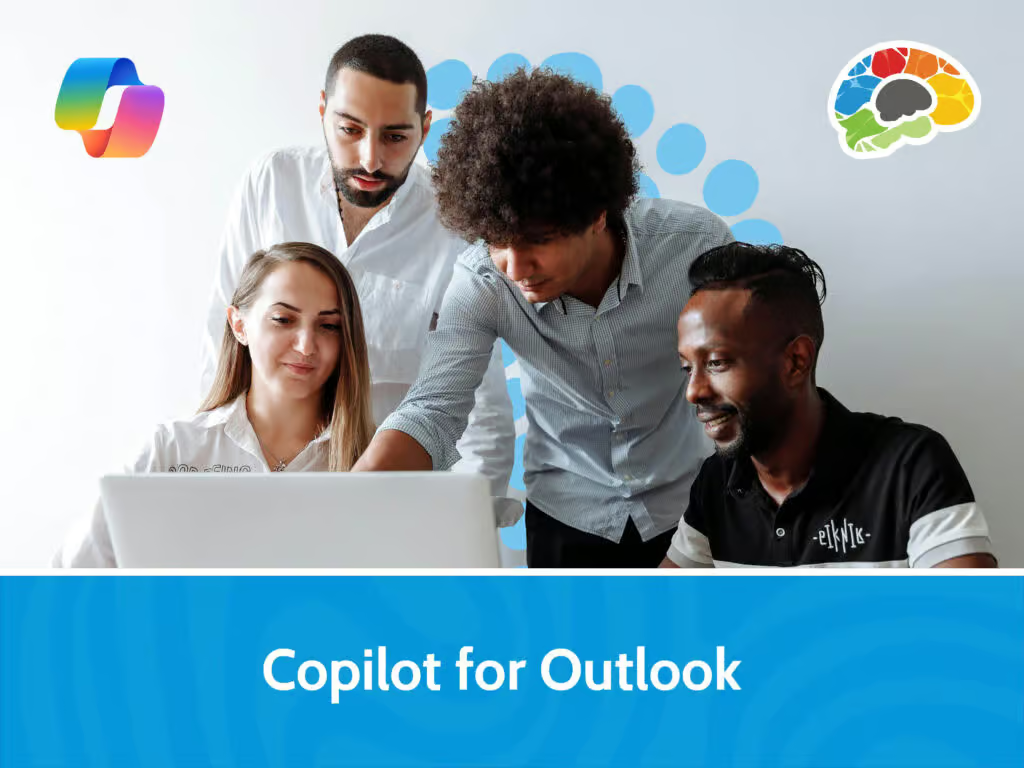
Unlock the full potential of Copilot in Outlook with expert guidance from Kathy Snizaski, a seasoned Microsoft Trainer with over 25 years of experience helping professionals streamline their workflows. Kathy will demonstrate how to identify key areas where Copilot can enhance your productivity – from drafting and refining emails to summarizing lengthy threads and attachments. She’ll also explain Copilot’s current limitations. You’ll explore the differences between Classic and New Outlook interfaces and learn how to use its features to improve communication clarity, tone, and efficiency.
You’ll also learn how to use Copilot to manage your inbox, prepare for meetings, and collaborate more effectively and how to leverage advanced capabilities such as smart scheduling, Copilot Coaching for tone and conciseness, and using chat to summarize Inbox activity.
Whether you’re drafting agendas, replying to complex emails, or preparing for meetings with specific colleagues, this training will equip you to make Copilot a powerful partner in your daily Outlook routine.
Topics covered include:
Enjoy award winning HD content in the “Uniquely Engaging”TM Bigger Brains Teacher-Learner style! Taught by top subject matter experts, Bigger Brains courses are professionally designed around key learning objectives and include captions and transcripts in 29 languages, downloadable handouts, and optional LinkedIn digital badges on course completion.
| # | Lesson | Length |
| 1 | Introduction | 1:51 |
| 2 | What can Copilot Do? | 3:35 |
| 3 | Summarizing Emails and Attachments | 2:50 |
| 4 | Drafting Emails | 3:06 |
| 5 | Coaching with Copilot | 3:50 |
| 6 | Scheduling with Copilot | 4:21 |
This website uses cookies to improve your experience. Please select whether you would like to accept our decline tracking technologies and cookies. https://getbiggerbrains.com/privacy-policy/ Read More
Preferences
Fill out the information below to receive a download link for our latest course catalog.