
This website uses cookies to improve your experience. Please select whether you would like to accept our decline tracking technologies and cookies. https://getbiggerbrains.com/privacy-policy/ Read More
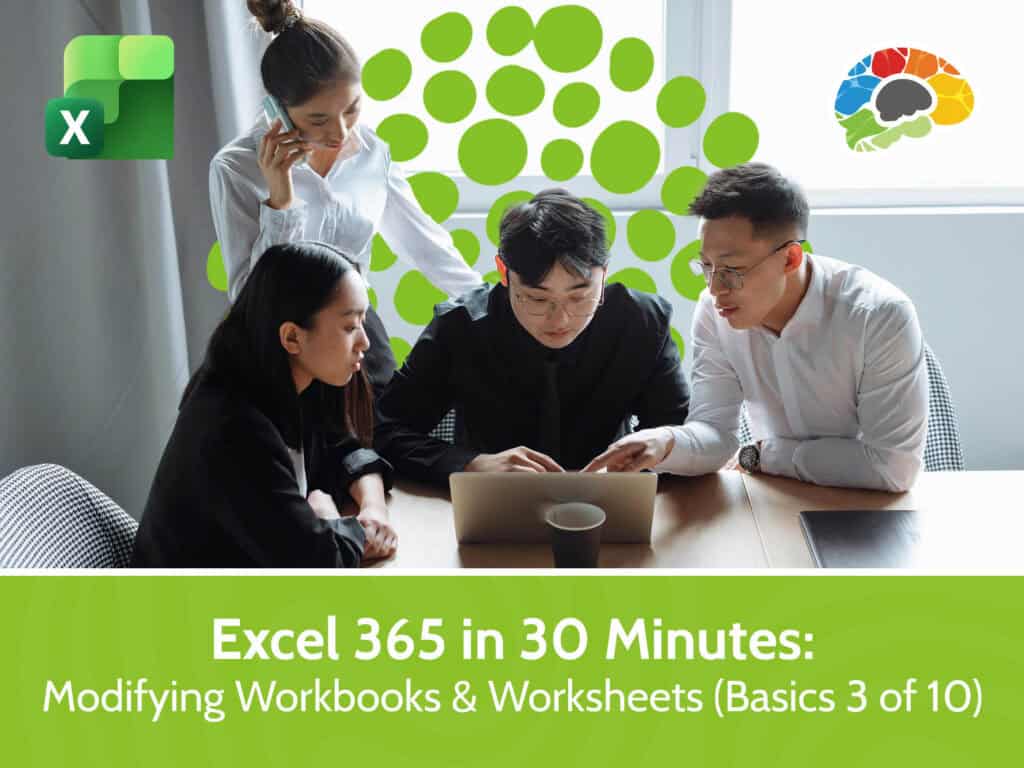
In this Bigger Brains course, you’ll learn how to access workbooks from OneDrive or SharePoint, pin frequently used files and folders, and save your work in the right formats for different situations. You’ll explore the AutoSave feature and see how to convert older files to the modern 2021 format.
Moving into worksheet editing, you’ll learn how to insert and delete cells, columns, and rows—and you’ll see the implications of removing entire columns or rows. You’ll also learn how to adjust row and column size, hide and unhide worksheet content, and manage entire sheets by adding new worksheets and deleting and renaming worksheets. You’ll see how to reorder sheets, create copies within a workbook, move or copy sheets to another workbook, and customize tab colors for staying organized. Designed for users who are comfortable with basic Excel tasks, this course gives you practical tools to maintain and manage your Excel files more effectively and efficiently.
Topics covered include:
Enjoy award winning HD content in the “Uniquely Engaging”™ Bigger Brains Teacher-Learner style! Taught by top subject matter experts, Bigger Brains courses are professionally designed around key learning objectives and include captions and transcripts, downloadable handouts, and optional LinkedIn digital badges on course completion.
| # | Lesson | Length |
| 1 | Open and Save a Workbook | 5:15 |
| 2 | Modifying Rows and Columns, Part 1 | 6:09 |
| 3 | Modifying Rows and Columns, Part 2 | 6:53 |
| 4 | Managing Worksheets, Part 1 | 4:26 |
| 5 | Managing Worksheets, Part 2 | 8:56 |
This website uses cookies to improve your experience. Please select whether you would like to accept our decline tracking technologies and cookies. https://getbiggerbrains.com/privacy-policy/ Read More
Fill out the information below to receive a download link for our latest course catalog.