
This website uses cookies to improve your experience. Please select whether you would like to accept our decline tracking technologies and cookies. https://getbiggerbrains.com/privacy-policy/ Read More

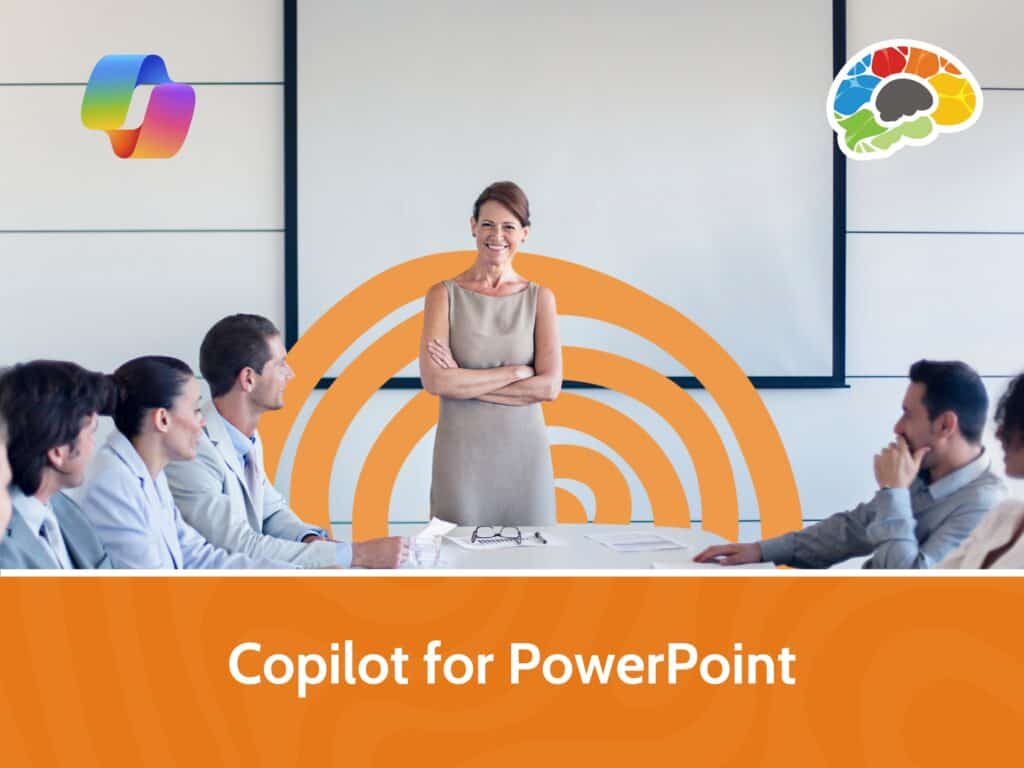
This Bigger Brains course is designed for Microsoft 365 users with a Copilot license. Led by Kathy Snizaski, a seasoned Microsoft Trainer with over 25 years of experience, you’ll learn how Copilot can transform the way you create and edit presentations. Kathy will demonstrate how Copilot can generate and refine slides and how it works in tandem with PowerPoint Designer to enhance your presentation design.
You’ll learn how to write clear prompts, how to use the Copilot chat pane, and how to generate presentations from reference files. You’ll also learn how you can use Copilot to help you refine content, improve design with suggestions, and add interest with visuals and structure. By the end of the course, you’ll be equipped to use Copilot to create polished, professional presentations.
Topics covered include:
Enjoy award winning HD content in the “Uniquely Engaging”TM Bigger Brains Teacher-Learner style! Taught by top subject matter experts, Bigger Brains courses are professionally designed around key learning objectives and include captions and transcripts in 29 languages, downloadable handouts, and optional LinkedIn digital badges on course completion.
| 1 | Introduction | 2:02 |
| 2 | What Can Copilot Do? | 3:53 |
| 3 | Create a New Presentation from a Prompt | 5:15 |
| 4 | Create a Presentation from a File | 2:53 |
| 5 | Edit a Presentation | 4:11 |
| 6 | Finalize a Presentation | 4:15 |
This website uses cookies to improve your experience. Please select whether you would like to accept our decline tracking technologies and cookies. https://getbiggerbrains.com/privacy-policy/ Read More
Fill out the information below to receive a download link for our latest course catalog.