

This website uses cookies to improve your experience. Please select whether you would like to accept our decline tracking technologies and cookies. https://getbiggerbrains.com/privacy-policy/ Read More
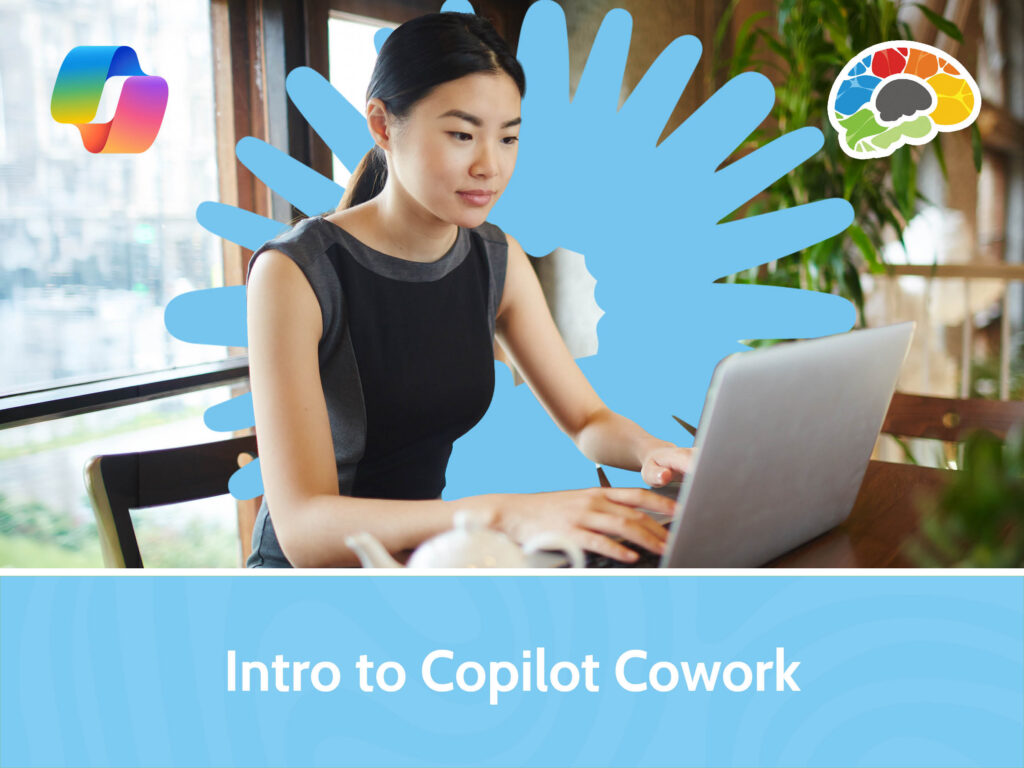
In this Bigger Brains course, you’ll explore Microsoft Copilot Cowork, a capability designed for Microsoft 365 users with a Copilot license who are ready to move beyond simple prompts and delegate work to AI. You’ll learn what Cowork is, how it differs from standard Microsoft 365 Copilot experiences, and how the plan-to-action loop enables Cowork to streamline tasks, automate processes, and coordinate actions across Microsoft 365.
You’ll see how to navigate the Cowork interface, start tasks using natural language, review generated plans, monitor progress, and control execution. You’ll also learn how to use Cowork for email and calendar management, document workflows in Word, Excel, PowerPoint, and PDFs, Teams communications, and multi-source research projects. In addition, you’ll explore built-in and custom skills, create scheduled automations, manage recurring tasks, understand costs and licensing considerations, and discover best practices for maximizing productivity and business value.
Topics covered include:
Enjoy award winning HD content in the “Uniquely Engaging”TM Bigger Brains Teacher-Learner style! Taught by top subject matter experts, Bigger Brains courses are professionally designed around key learning objectives and include captions and transcripts, downloadable handouts, and optional LinkedIn digital badges on course completion.
| # | Lesson | Duration |
| 1 | Introduction | 2:49 |
| 2 | What is Copilot Cowork? | 8:56 |
| 3 | Access and Navigate Cowork | 8:13 |
| 4 | Your First Task | 9:12 |
| 5 | Email and Calendar Tasks | 6:35 |
| 6 | Documents, Posts, and Research | 8:12 |
| 7 | Using and Creating Skills | 9:19 |
| 8 | Scheduled Prompts and Automations | 6:38 |
| 9 | Prompting Best Practices | 6:35 |
This website uses cookies to improve your experience. Please select whether you would like to accept our decline tracking technologies and cookies. https://getbiggerbrains.com/privacy-policy/ Read More
Preferences
Fill out the information below to receive a download link for our latest course catalog.